Auto-Triage Support Tickets With Claude, Zendesk and Slack
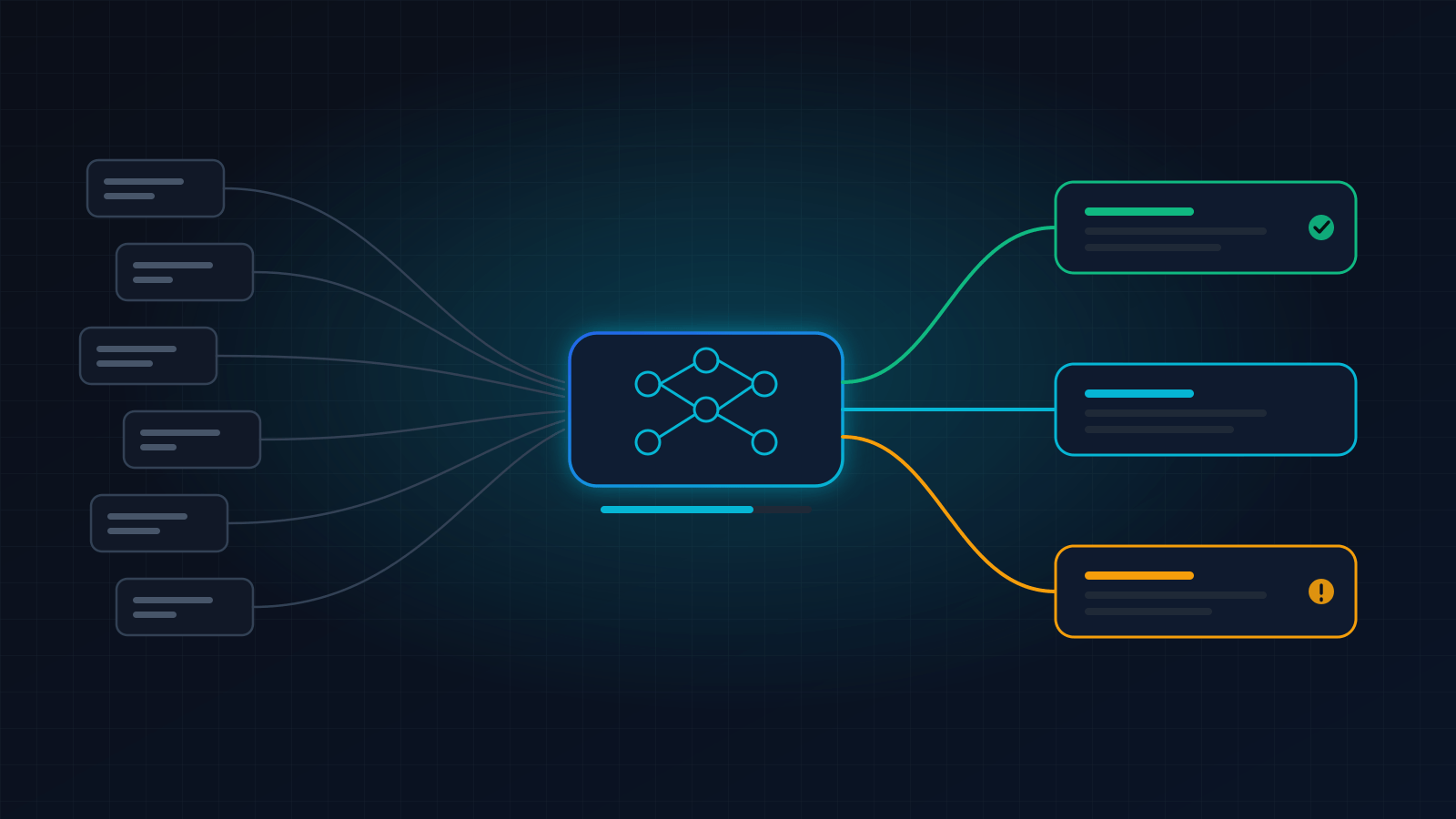
A production ticket-triage pipeline: Zendesk webhook in, one classification call, priority and tags written back, humans paged only on exceptions.
Executive verdict
Classify and route tickets with one model call per ticket, write the result back through Zendesk’s API, and page a human only when confidence is low — this costs about $12 per 10,000 tickets in model spend and replaces the manual read-and-assign pass entirely.
The mistake most teams make is letting the model reply to customers on day one. Don’t. Triage is the part that is safe to automate: it changes a priority, a tag and a queue, and every decision is reversible by an agent in two clicks.
| Tool / Approach | Best For | Pricing / Self-Host Cost | Setup Effort | Critical Dealbreaker | Action CTA |
|---|---|---|---|---|---|
| n8n + Claude Haiku (this build) | Teams that want control over prompt, routing and logs | €50/mo n8n Cloud, or ~$15/mo self-hosted VPS, plus ~$13 per 10k tickets | ~3 hours | You own the prompt and its edge cases | Try n8n Cloud → |
| Self-hosted n8n + Claude | Above 10k tickets/month, or data-residency rules | VPS from $14.99/mo (renewal) + model spend | 1–2 days infra, then ~3 hours | You own uptime and upgrades | Get a VPS → |
| Make + Claude | Visual builders who prefer scenario branching | $9/mo for 5,000 credits + model spend | ~3 hours | Billed per action, so multi-step routing costs more per ticket | Try Make → |
| Zendesk’s own AI add-on | Teams that want zero engineering | Priced per agent — check current pricing | Minimal | Little control over classification logic or thresholds | — |
Model prices below are Anthropic list prices for claude-haiku-4-5 ($1 per million input tokens, $5 per million output). Platform prices checked September 2026.
Architecture and data flow
[ Trigger / Webhook ]      [ Data Parsing / Filter ]   [ AI / LLM Node ]     [ Storage / CRM ]        [ Error Fallback / Alert ]
 Zendesk trigger fires  ->  strip signature, drop   ->  one Claude call,  ->  PUT ticket: priority, ->  low confidence or parse
 "Notify active webhook"    auto-replies & spam         strict JSON out       tags, group_id           failure -> Slack + human
The payload at each stage:
- Trigger — a Zendesk trigger fires on ticket creation and POSTs a JSON body you define, with ticket fields filled in.
- Parse & filter — drop anything that shouldn’t burn a model call: auto-replies, tickets already assigned, duplicates.
- AI node — one call returns
category,priority,teamandconfidence. Nothing else. - Storage / CRM — write the decision back to the ticket with a
PUTto the Zendesk API. - Error fallback — anything low-confidence or malformed goes to Slack with a link, and the ticket is left untouched for a human.
Production implementation blueprint
1. Create the Zendesk webhook
In Zendesk Admin Center → Apps and integrations → Webhooks → Create webhook, point it at your n8n production URL. Webhooks support bearer token, basic auth and API-key authentication — use one; an unauthenticated endpoint that triggers paid model calls is an invitation.
2. Fire it from a trigger with your own JSON body
Create a trigger that runs on ticket creation, and under Actions choose Notify active webhook, selecting the webhook from step 1. Zendesk renders placeholders before sending, so you control the payload shape exactly:
{
  "ticket_id": "{{ticket.id}}",
  "subject": "{{ticket.title}}",
  "description": "{{ticket.description}}",
  "requester_email": "{{ticket.requester.email}}",
  "via": "{{ticket.via}}",
  "created_at": "{{ticket.created_at}}"
}
Keep the body small. Ticket description is the expensive field — everything else is pennies.
3. Filter before you pay
In n8n, add an IF node immediately after the Webhook node and stop processing when any of these are true:
- the description is under ~20 characters (nothing to classify)
- the requester matches a no-reply or automated sender pattern
- the ticket already has a
triagedtag (replays and re-fires)
Every ticket that reaches the model is billable; this filter is where you control spend.
4. One model call, strict JSON out
Use an HTTP Request node to https://api.anthropic.com/v1/messages with headers x-api-key, anthropic-version: 2023-06-01 and content-type: application/json:
{
  "model": "claude-haiku-4-5",
  "max_tokens": 200,
  "system": "You triage B2B support tickets. Reply with JSON only, no prose: {\"category\":\"billing|bug|how_to|feature_request|outage\",\"priority\":\"urgent|high|normal|low\",\"team\":\"support|engineering|finance\",\"confidence\":0.0-1.0,\"reason\":\"max 12 words\"}. Use priority urgent only for a total loss of service or a security issue. If the ticket is ambiguous, return confidence below 0.7 rather than guessing.",
  "messages": [
    { "role": "user", "content": "Subject: {{ $json.subject }}\n\n{{ $json.description }}" }
  ]
}
The priority values are chosen to match Zendesk’s allowed set exactly — urgent, high, normal, low — so nothing needs mapping afterwards.
5. Gate on confidence, then write back
Route the parsed result through a Switch node:
- confidence ≥ 0.7 → write to Zendesk
- below 0.7 → skip the write, notify Slack, leave the ticket for a human
The write is a PUT to https://{subdomain}.zendesk.com/api/v2/tickets/{{ $json.ticket_id }}.json, authenticated with an API token using basic auth in the form email/token:
{
  "ticket": {
    "priority": "high",
    "group_id": 360001234567,
    "tags": ["triaged", "ai_billing"]
  }
}
Two cautions on this call. Tags sent this way replace the ticket’s existing tags, so read them first and merge, or use Zendesk’s dedicated tag endpoint. And never set status from the model — status is workflow state, not a classification.
6. Notify Slack only on exceptions
Post to a Slack Incoming Webhook (POST, Content-type: application/json) for low-confidence tickets and failures only:
{
  "text": "Needs human triage: #4821",
  "blocks": [
    {
      "type": "section",
      "text": {
        "type": "mrkdwn",
        "text": "*Needs human triage* — <https://acme.zendesk.com/agent/tickets/4821|#4821>\n_Model confidence 0.41 · \"ambiguous billing or bug\"_"
      }
    }
  ]
}
If Slack pings on every successful triage, people mute the channel within a week and miss the real ones.
Unit economics and operational bottlenecks
Reference workload: 10,000 tickets a month, ~600 input tokens per ticket (subject + description + instructions) and ~120 output tokens.
| Line item | Arithmetic | Monthly |
|---|---|---|
| Claude Haiku input | 10,000 × 600 × $1 ÷ 1,000,000 | $6.00 |
| Claude Haiku output | 10,000 × 120 × $5 ÷ 1,000,000 | $6.00 |
| Orchestration — n8n Cloud Pro | flat, 10,000 executions included | €50 |
| Orchestration — self-hosted instead | VPS at renewal price | $14.99 |
| Model spend total | $6.00 + $6.00 | $12.00 |
The model is not the expensive part; the orchestration platform is. That gap is why the same workload on a per-action platform costs several times more: at four billable actions per ticket, 10,000 tickets is 40,000 tasks — a tier that runs $289/mo on Zapier Professional, annual billing. The full comparison is in Self-Hosted n8n vs Zapier: Where the Break-Even Actually Is.
Failure mode 1: a ticket storm empties your budget
Symptom: an integration loops or a status page outage generates thousands of tickets in minutes. Every one triggers a model call and a Zendesk write.
Fix: cap concurrency (N8N_CONCURRENCY_PRODUCTION_LIMIT), add a circuit breaker that counts tickets per 5-minute window and pauses triage above a threshold, and set a spend alert in the Anthropic console. A paused pipeline costs you a slow queue; an unbounded one costs money.
Failure mode 2: the model returns prose instead of JSON
Symptom: a long, unusual ticket produces a reply with a sentence wrapped around the JSON, the parse fails, and the workflow errors.
Fix: parse defensively — extract the outermost {...} before parsing — and treat a parse failure exactly like low confidence: no write, Slack notice, human handles it. Never write a partially-parsed result to a customer’s ticket.
Failure mode 3: the feedback loop nobody watches
Symptom: triage is quietly wrong for one category — say, “how_to” tickets landing in engineering — and nobody notices because the tickets still get answered eventually.
Fix: write every decision (ticket_id, category, priority, confidence) to a log table, and once a week compare the AI’s group_id against where the ticket actually ended up. Agents reassigning tickets is your ground truth, and it’s free.
30-minute deployment checklist
- Send one real test ticket and confirm priority, tags and group are set within 90 seconds
- Force a low-confidence result (a one-line vague ticket) and confirm Slack fires and the ticket is left untouched
- Verify the tag write preserved existing tags rather than replacing them
- Set a spend alert in the Anthropic console and a concurrency cap on the workflow
Affiliate disclosure Some “Try” links are affiliate links. If you sign up through one, TechBytes Today may earn a commission at no extra cost to you. It never changes the verdict — how we handle this.
Zero fluff. One recipe every week.
One production-ready automation recipe and a tool breakdown in your inbox, every week.